


 1 min read
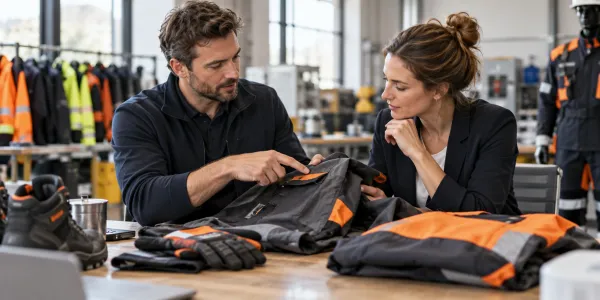
A team needs new workwear, but only the jackets worn by customer-facing staff need a logo. The buyer has to make clear not only how many garments are ordered, but which ones should be customised.
Select products first, then describe the logo request
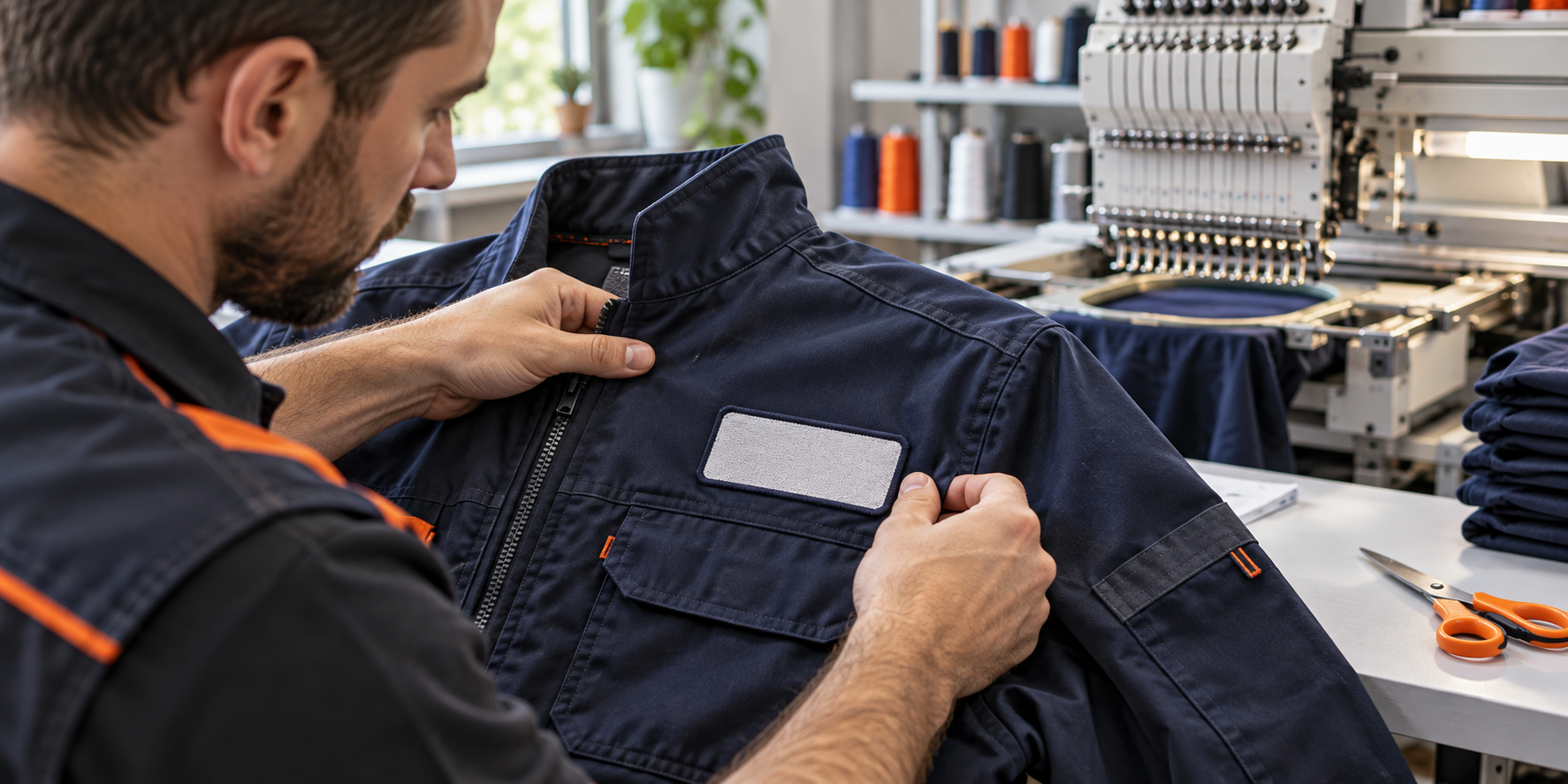
Choose sizes and quantities of customisable products and put them in the cart. In the logo step, upload a new file or choose one from your company’s saved logo library. Then select an offered technique, placement, size and the number of pieces concerned.
The library helps when the same logo is used in a later order. Check the request in the cart and adjust it before submitting if needed.
A request is not production confirmation
The logo request is reviewed and priced separately. Offered techniques and placements can differ by product; submitting the request does not itself confirm a final price or production date. A clear file and concise note help explain what you need.
Prepare these for a clear request
- Eligible products and quantities
- A logo file or saved logo
- Preferred placement and size
 Facebook
 LinkedIn
This article was created with AI assistance.